
Designing My Dining Room Drapery Fabric (How To Create A Repeatable Pattern For Fabric)
Now that I’ve found a dining table for the breakfast room, I’m really anxious to finish up the storage room and get to work on the breakfast room. Don’t worry. I haven’t forgotten about the storage room, and I won’t get too distracted with other things until that room is finished. But during my downtime last night before bedtime, I decided to start designing the fabric for the breakfast room draperies.
A while back, I shared several packages of watercolor florals that caught my eye on Creative Market. I ended up purchasing three of those packages. This Vintage Floral clip art…
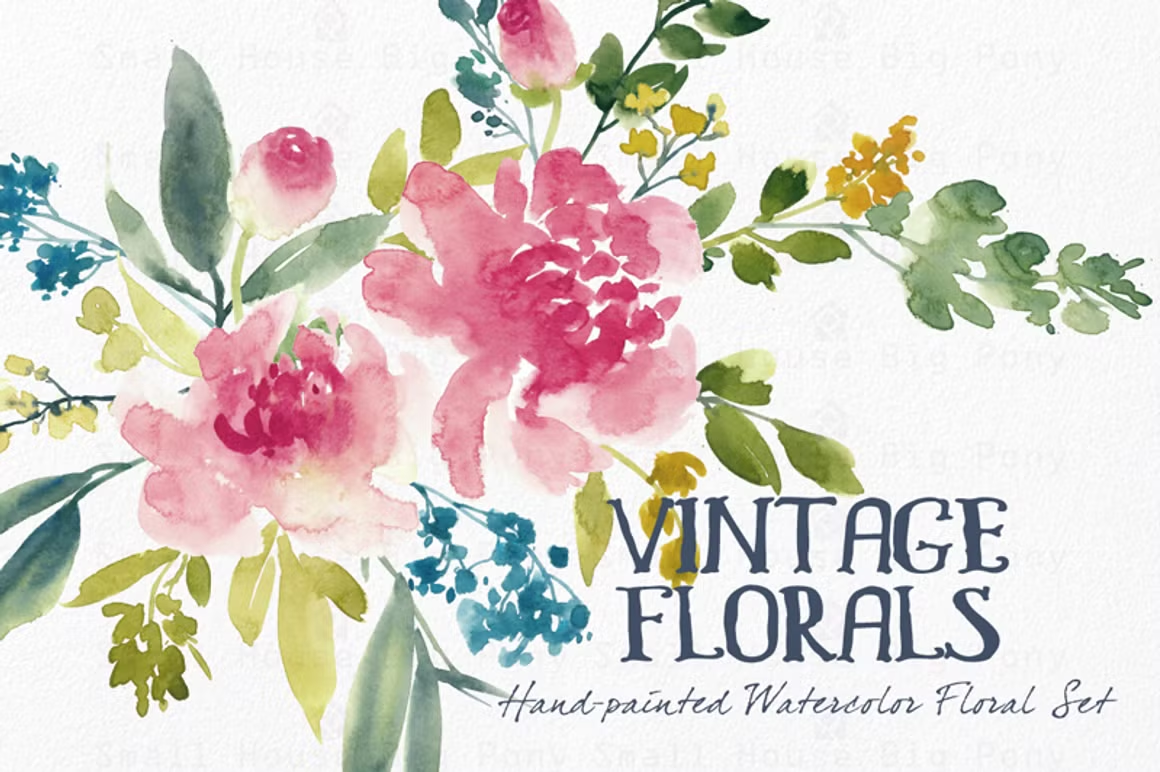
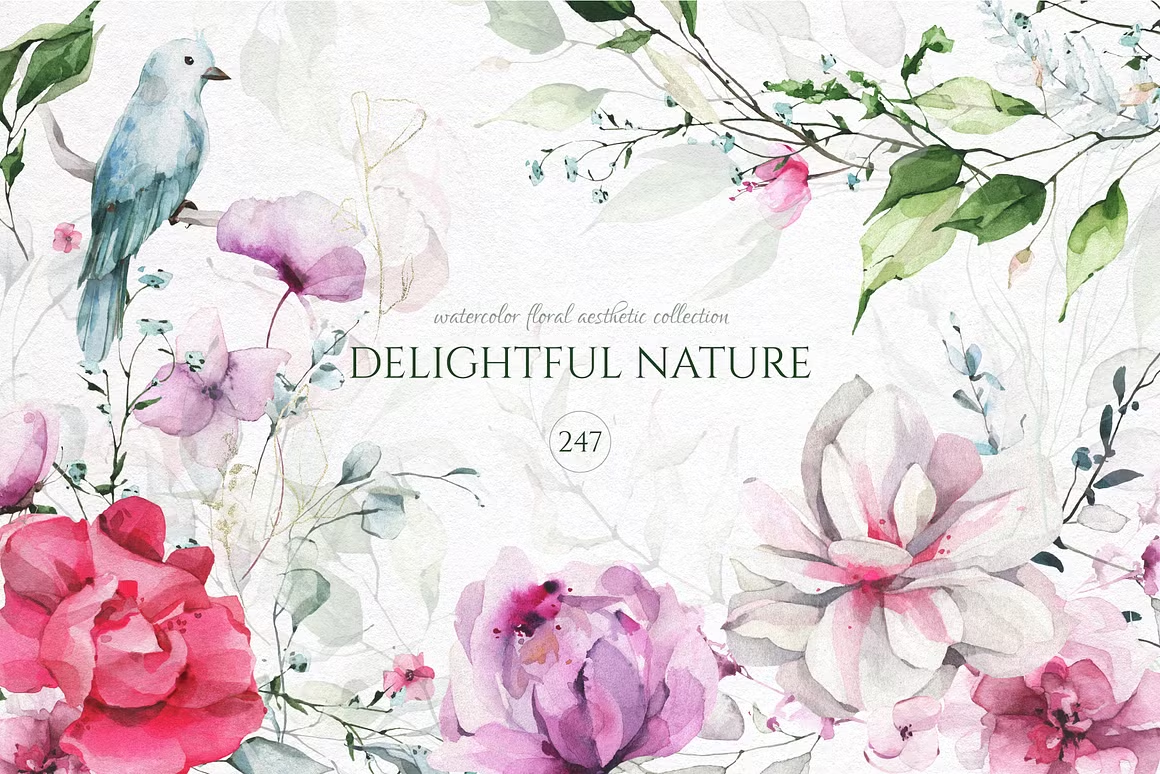
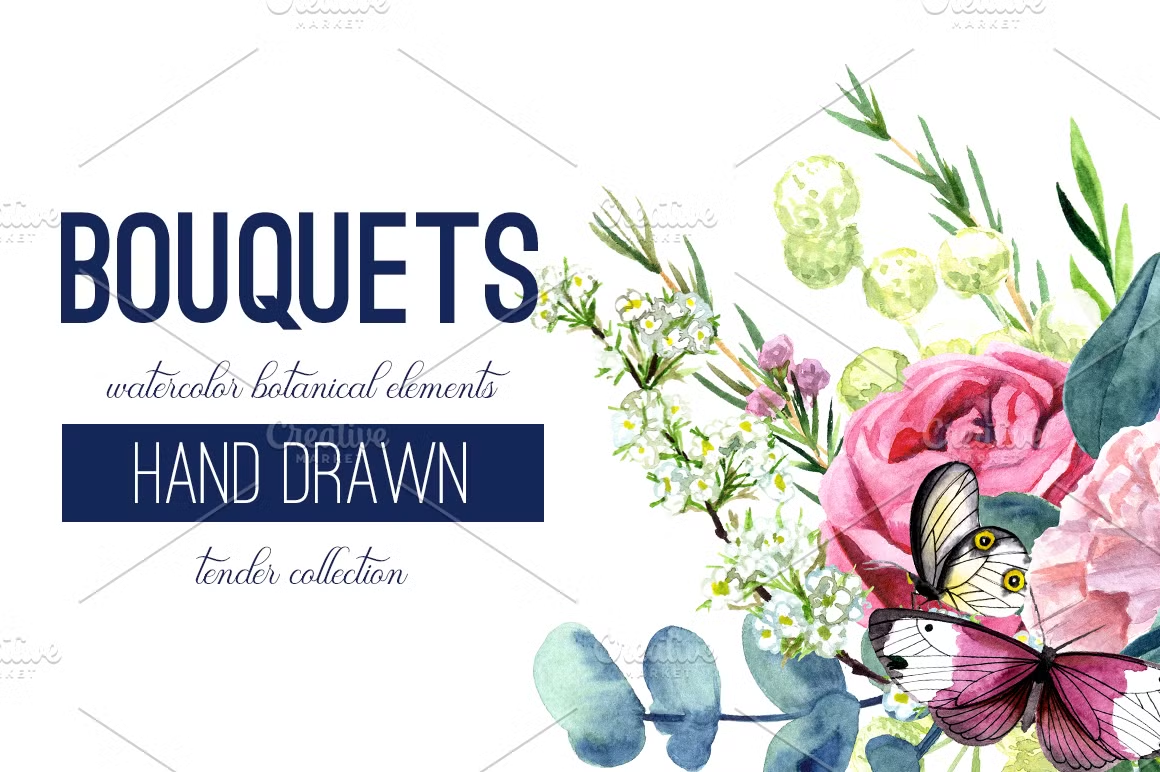
With those three packages, I probably had around 250 elements that I had available to use. So I sorted through them to weed out all of the flowers and other elements that I didn’t like. Each package comes with lots of different flowers, stems, and other elements that are on a transparent background so that you can copy and paste them onto a new project, and depending on the license you purhcase, you can use those elements on personal items (clothing, fabric, etc.), advertising and branding products, or anything you can think of. Of course, I wanted to use them to make a repeatable pattern for fabric that I can upload to Spoonflower and have printed so that I can make draperies for the breakfast room windows.
After weeding out all of the elements that I didn’t like and knew I wouldn’t use, I was left with about 100 elements that I liked. So using my photo editing software (I use PaintShop Pro), I created a new picture that was 27″ x 27″ with a soft blue-green background, and then I started layering and arranging the different elements on the background. I started by filling in as much as I could without any of the elements overlapping the edges.
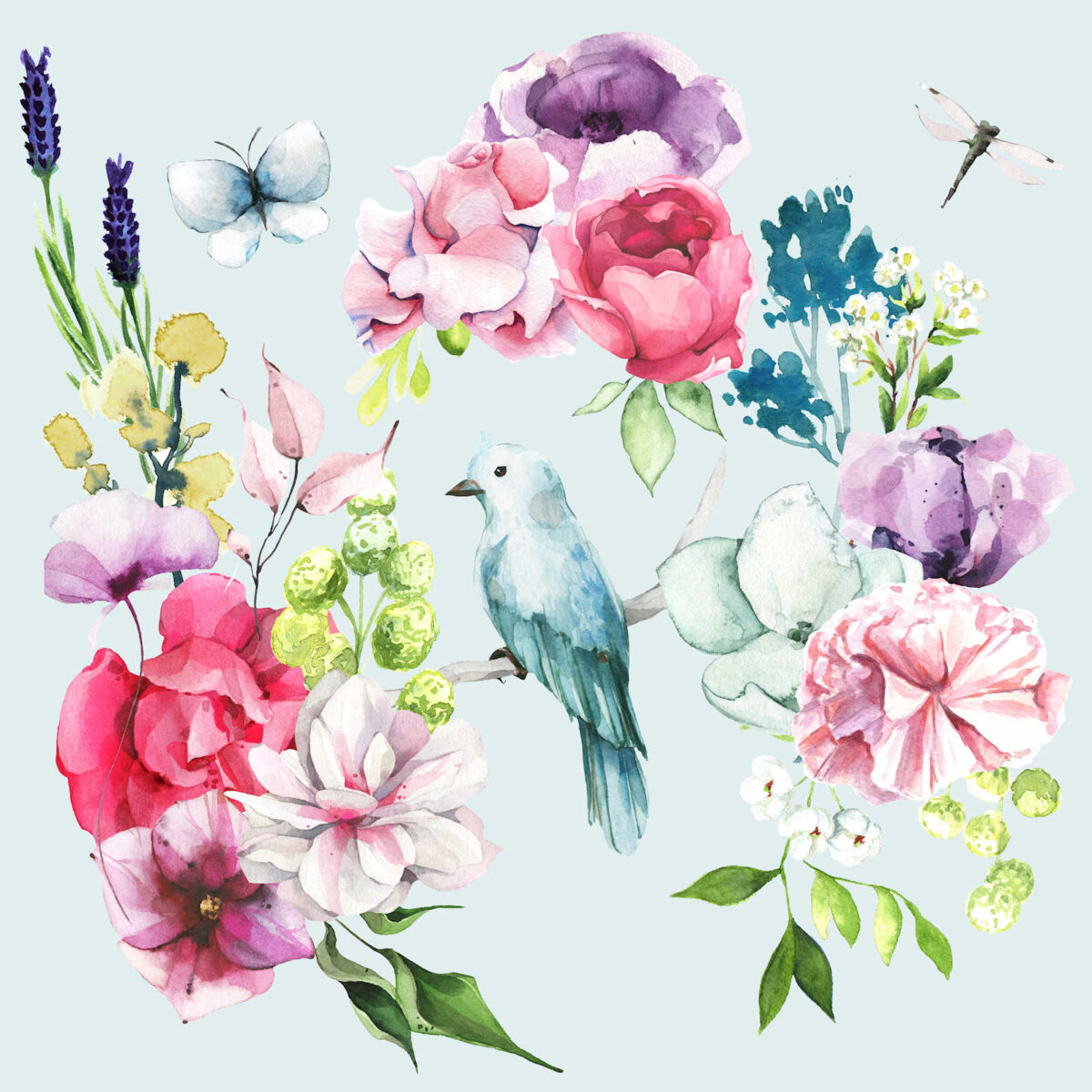
Once I had that filled in as much as I could, and I had the elements arranged like I wanted them, I cut that image into two equal pieces and saved them individually. Here’s the right side that was exactly 13.5 inches wide and 27 inches high.
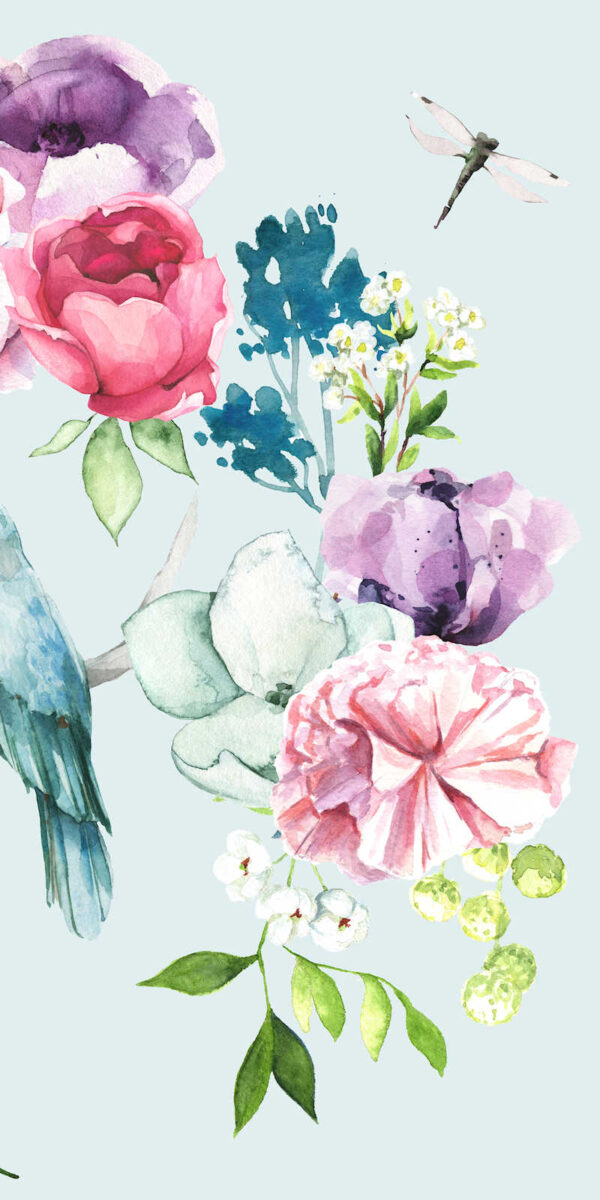
And here’s the left side with those exact dimensions.
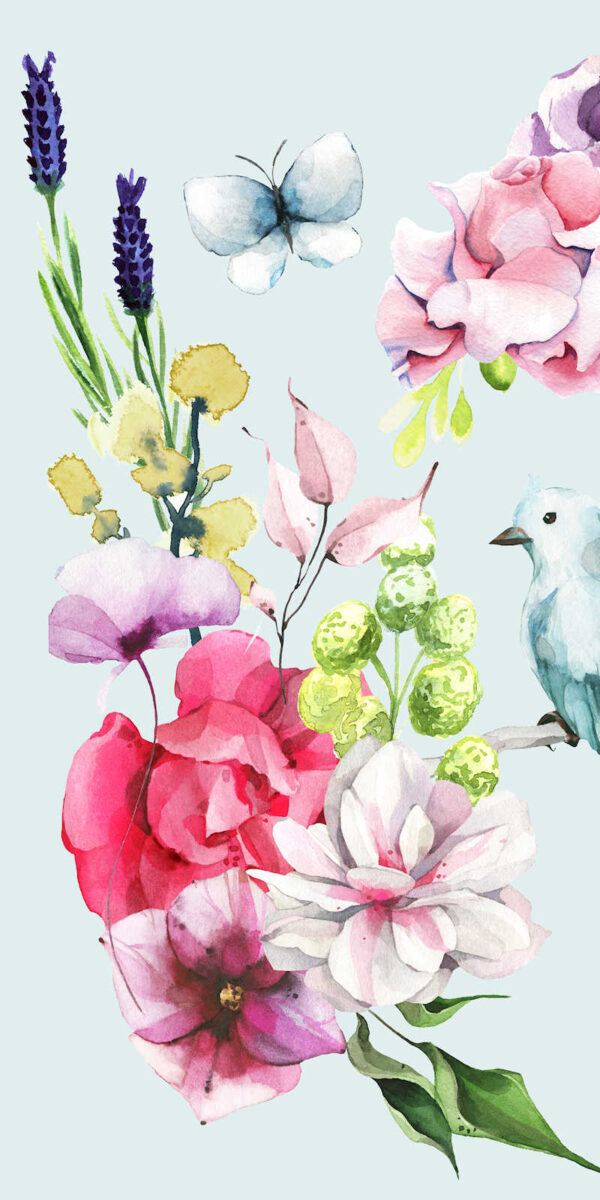
And then I copied and pasted those onto a new 27″ x 27″ photo, but I put the left side on the right and the right side on the left.
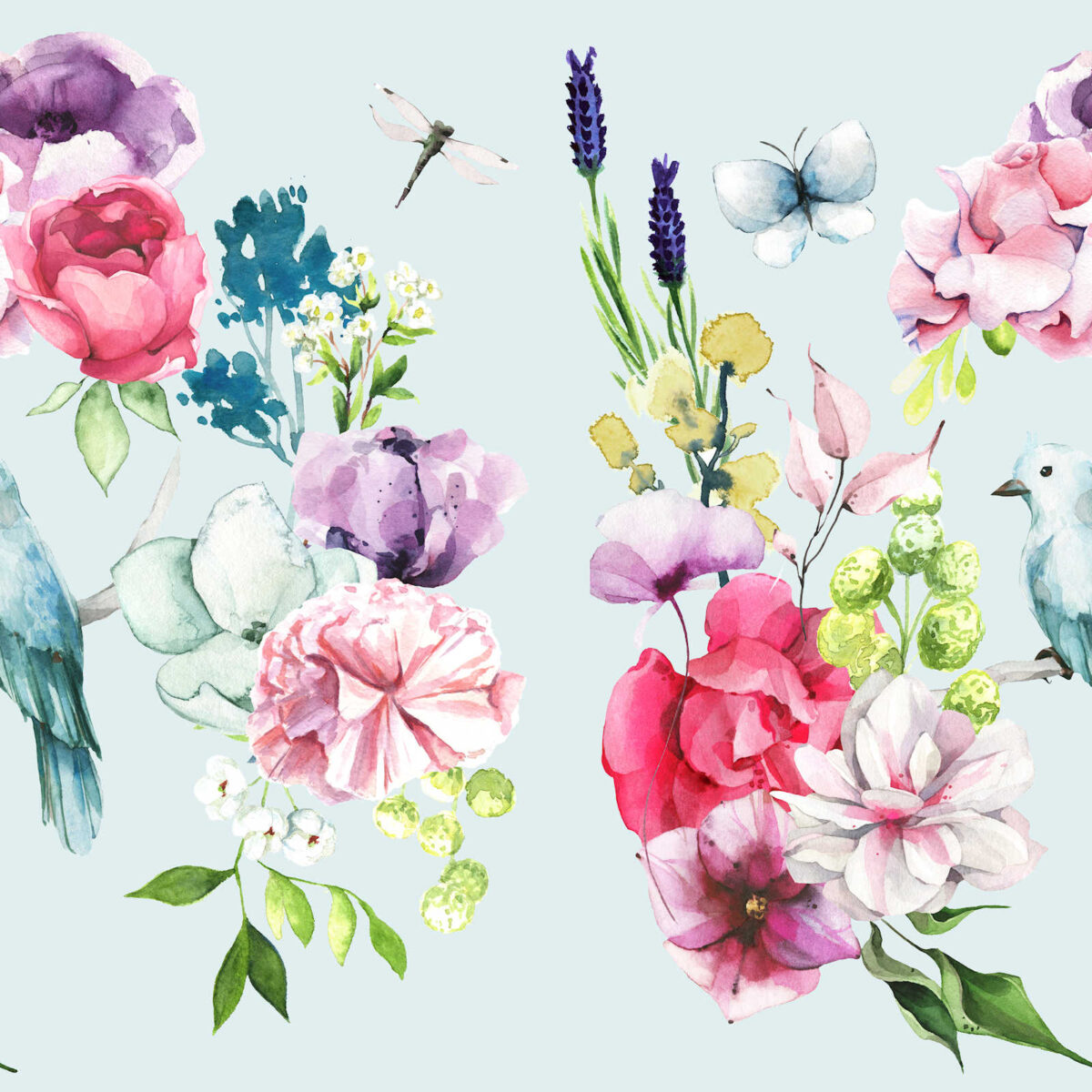
With this new layout, that allowed me to fill in the empty space in the middle by adding additional elements to the design. I still avoided adding anything that would overlap the top and the bottom.
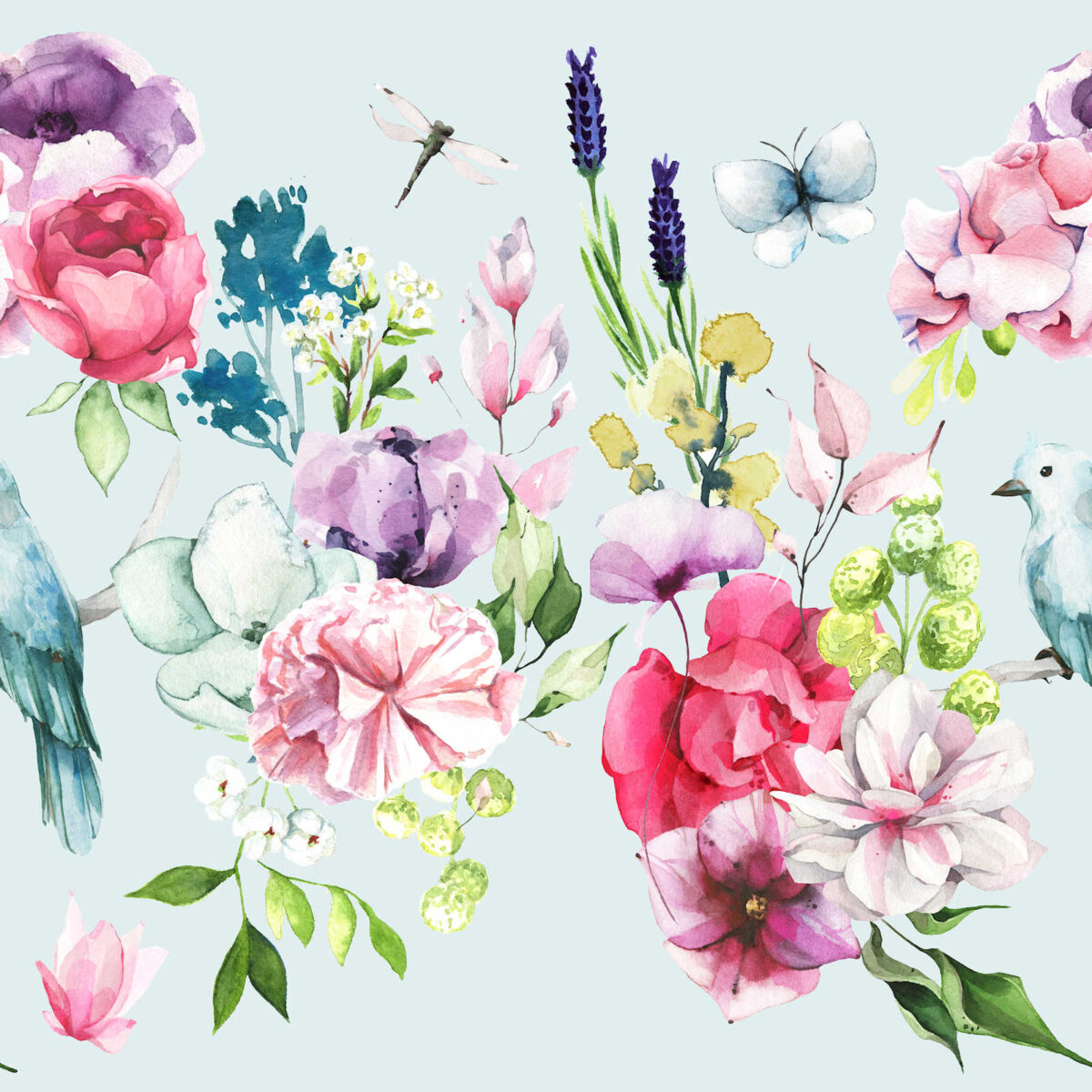
Once I had that middle part arranged like I wanted it, I cut the picture in half again, but this time, I cut it in half horizontally and saved the two pieces individually. Each half was exactly 27″ wide by 13.5″ high. Here’s what the top looked like…
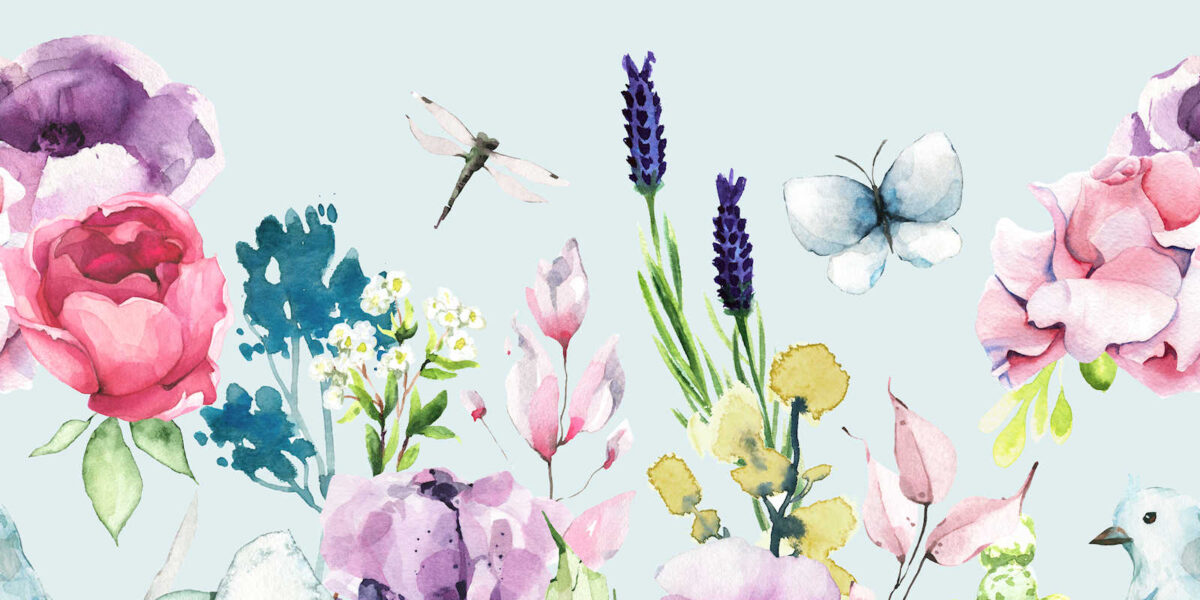
And here’s the bottom half…
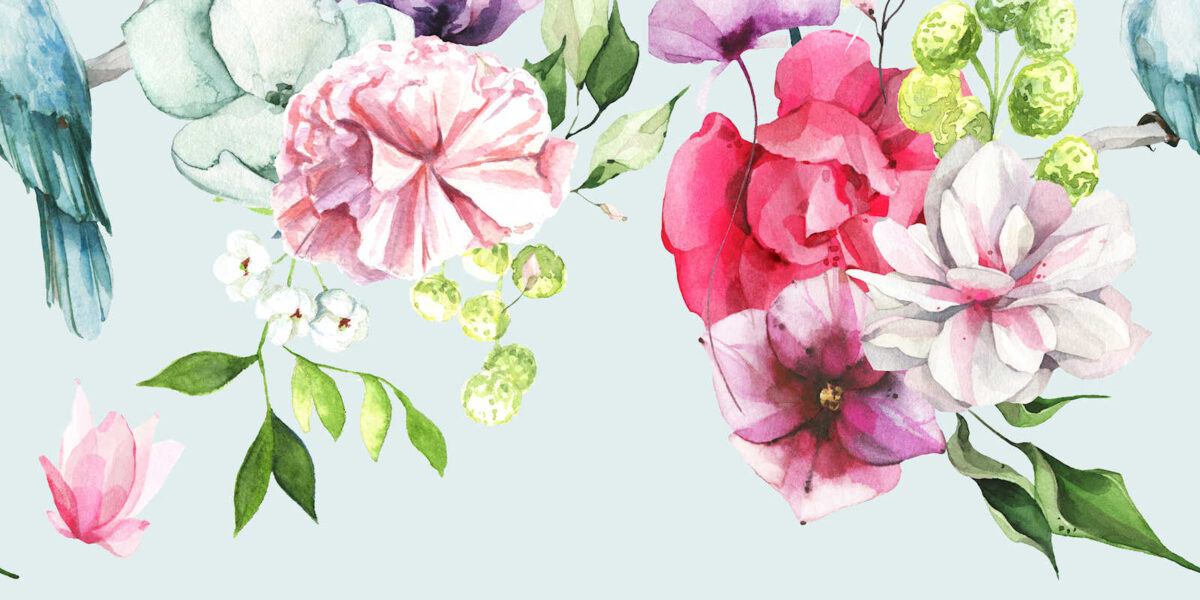
And then I created another new image that was 27″ x 27″, and then I copied and pasted the two pieces above onto the new image. But this time, I put the bottom piece on the top and the top piece on the bottom.
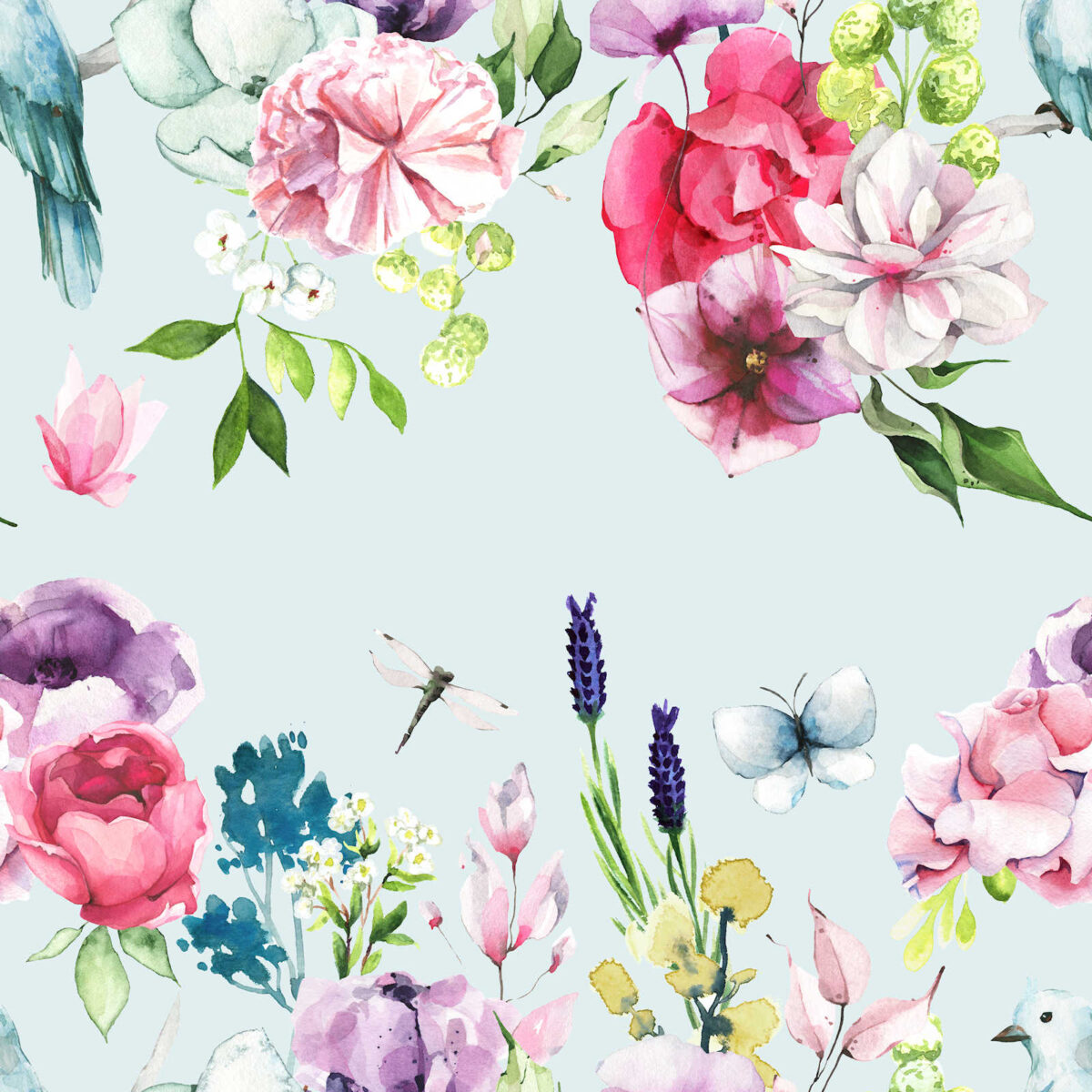
Then I continued adding elements until the center area was filled in.
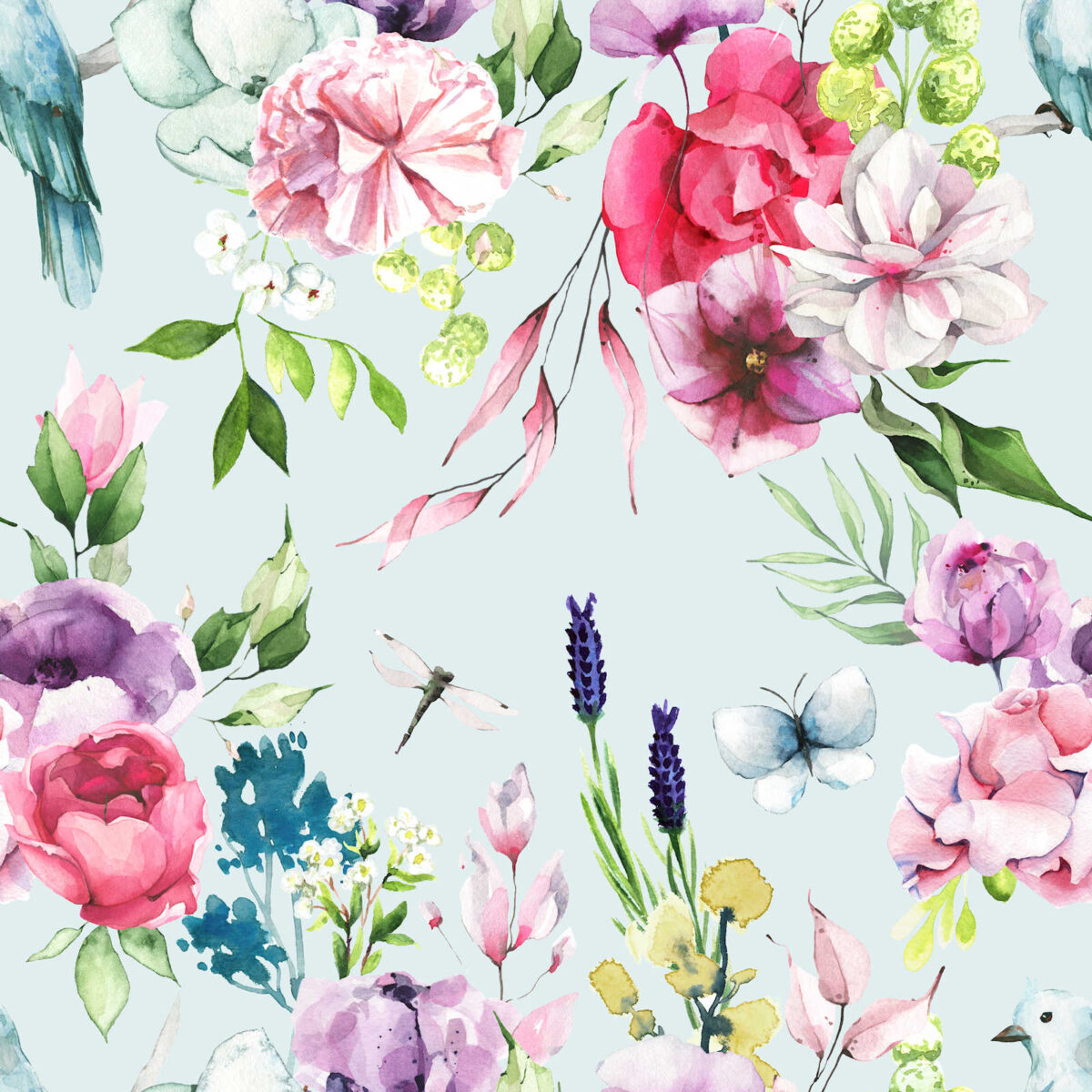
And that’s it! That’s how you create a repeatable pattern that can then be uploaded to Spoonflower to be printed onto fabric that you can use for any soft furnishings — upholstered headboards, curtains, upholstered furniture, etc.
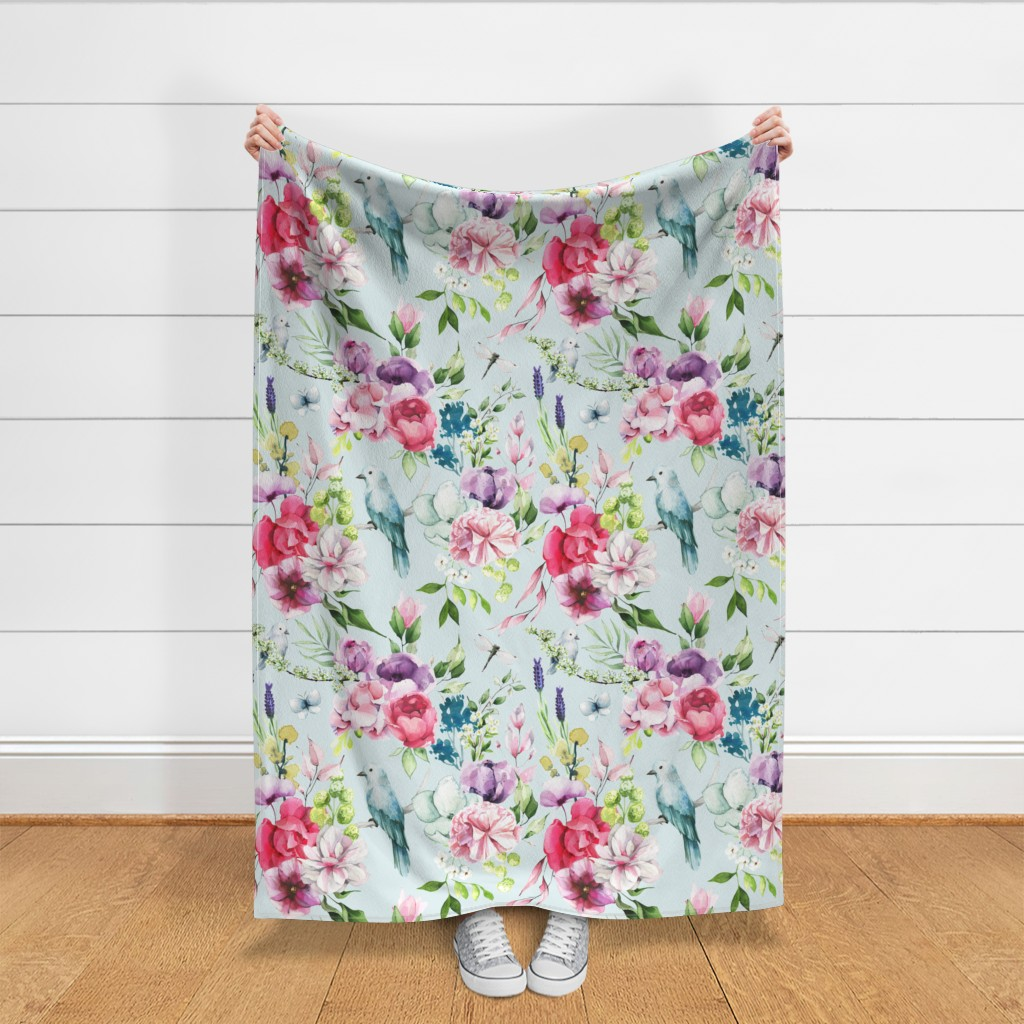
I haven’t ordered any fabric yet because I want to sit with this design for a while and see if I might want to tweak it a bit. But as a first attempt, I’m really pleased with how this looks. This is how the pattern looks on the fabric image generated by Spoonflower.
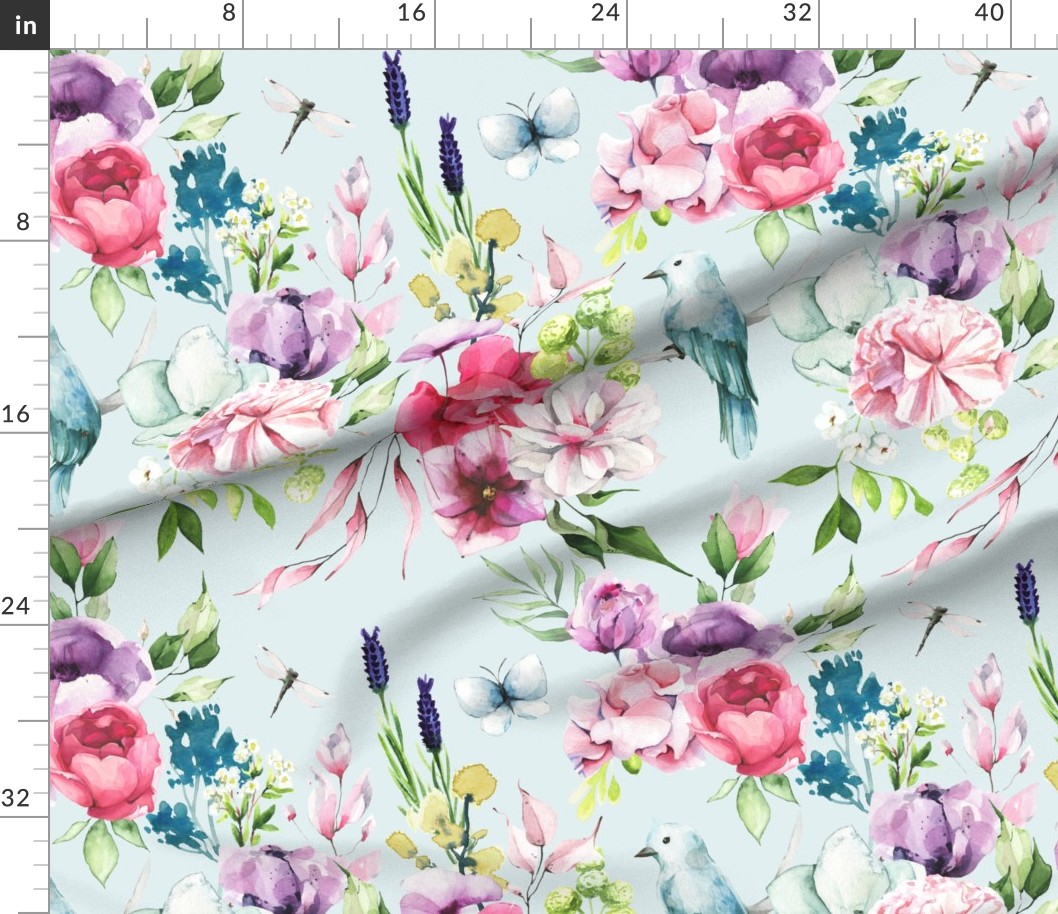
Here’s how the pattern repeat looks. I might want to tweak those two dark purple long and skinny flowers. They seem a little too prominent for my liking. But overall, I really like how this looks.
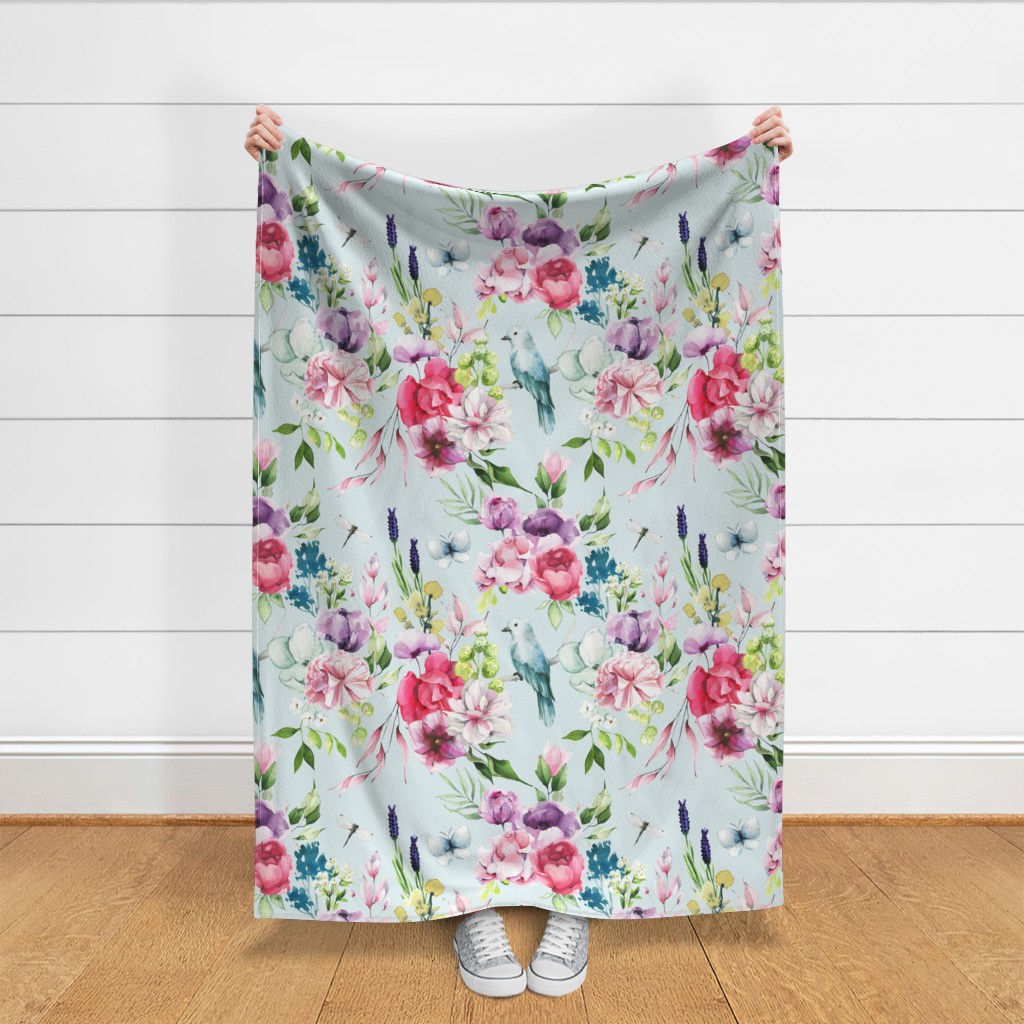
Here’s how it would look on an upholstered chair…
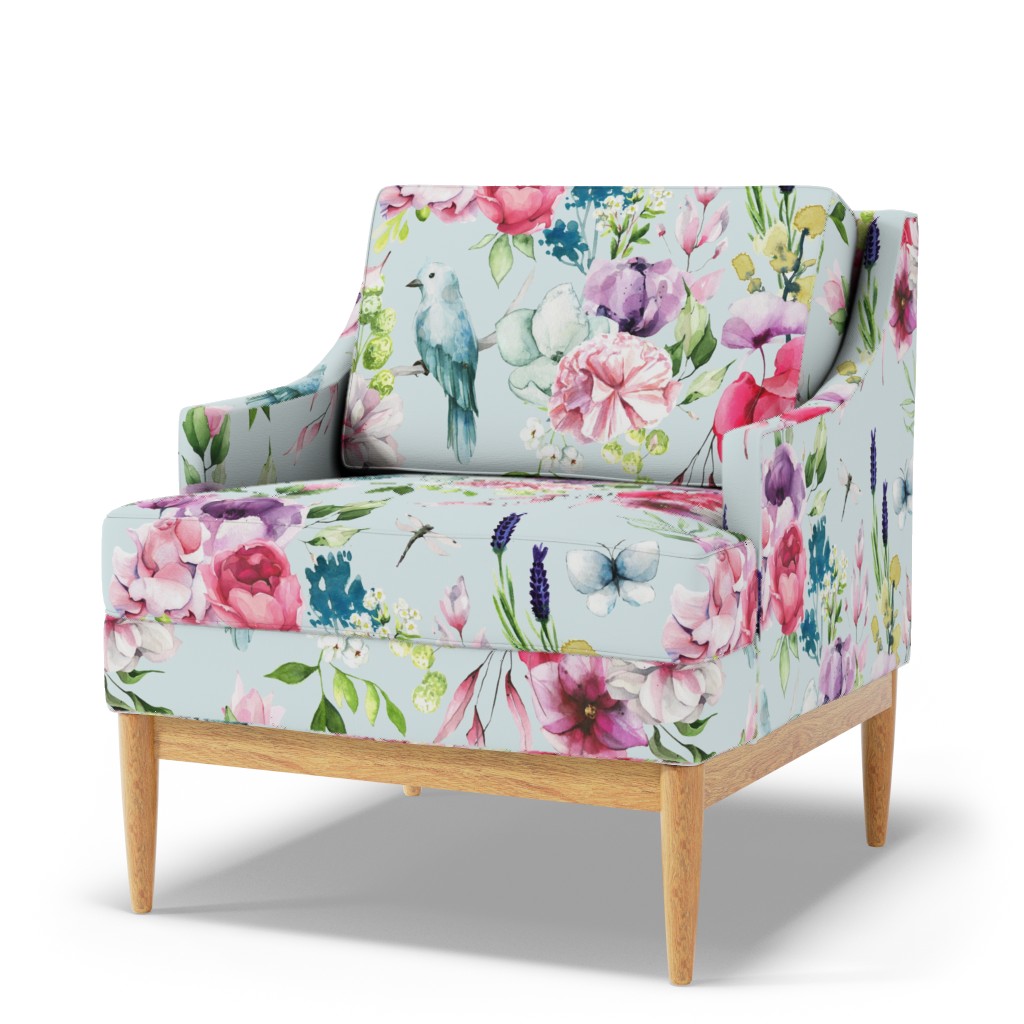
And while I would never buy ready-made curtains from Spoonflower because I don’t like rod pocket curtains, the image that they show of the fabric used on curtains is always very helpful to get an idea of what the finished curtains might look like.
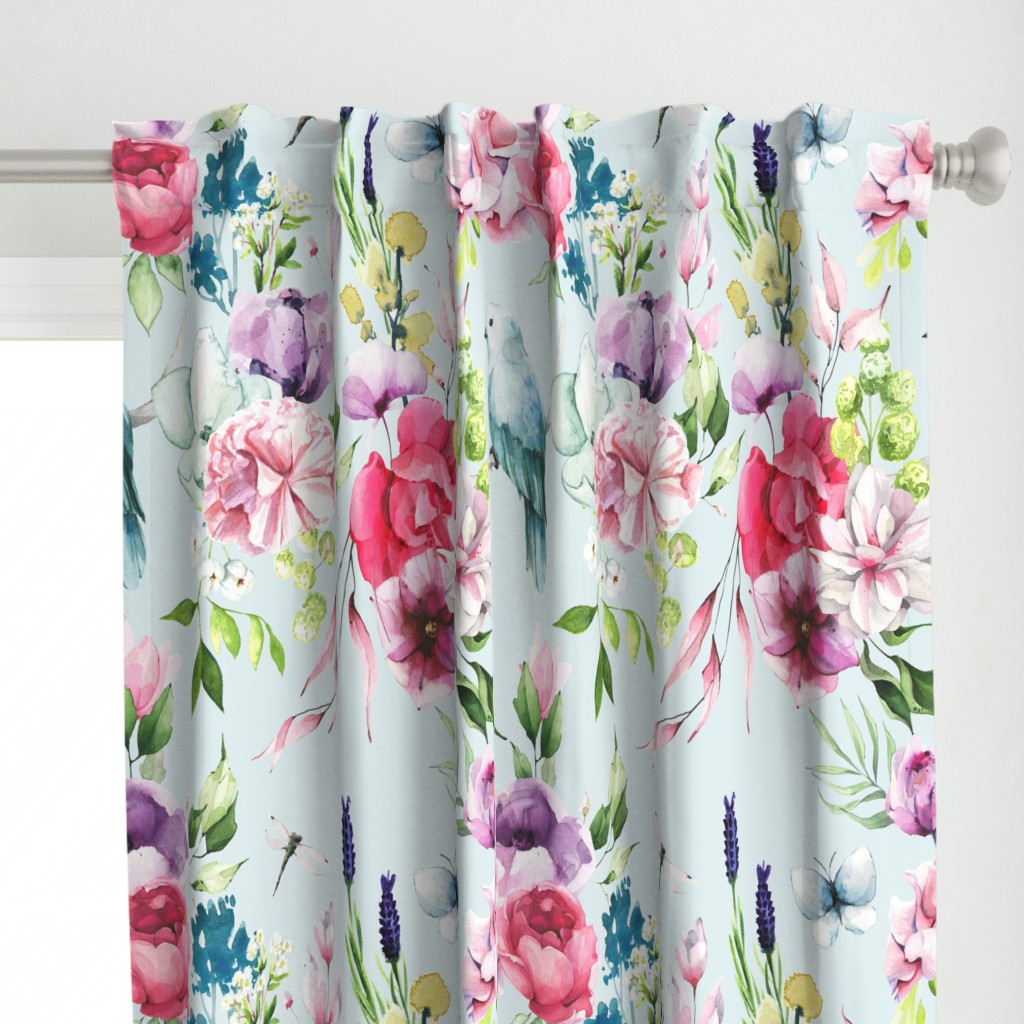
And of course, Spoonflower also has wallpaper. Here’s what the design looks like on wallpaper.
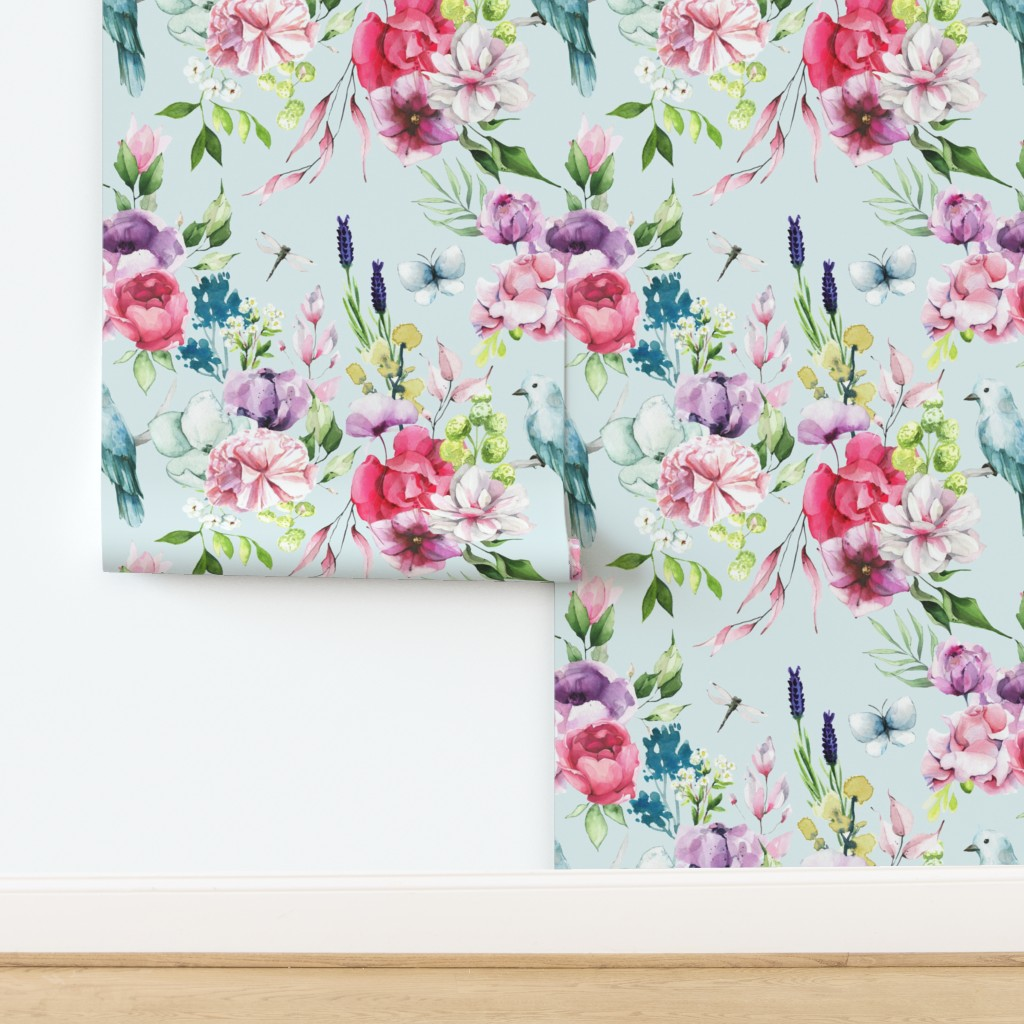
Like I said, I’ll probably end up tweaking this design a little bit before I actually have the fabric printed, but the final fabric will look very similar to this. I’m telling you, creating your own repeatable designs for fabric is so easy! You don’t even have to be artistic to do it. Other people have done the creative part for us. There are thousands and thousands of artists who sell their artwork on websites like Creative Market that you can purchase for use on fabric and just about anything else you can think of. They’ve done the hard part for us. And then all we have to do is put those elements together using a photo editing software that allows for layers (PaintShop Pro, Adobe Photoshop, etc.). As long as you have a software that allows for layers, you can create fabric designs. It’s a great way to get a customized, one-of-a-kind look for your home.
UPDATE: I tweaked the design a little bit. I lightened those two dark purple stems, made the butterfly smaller, added branch and small bird, and then added a couple more stems to fill in some empty space. I like this one better. I’m going to order a yard of this and see how it looks in person.
More About Our Breakfast Room
see all breakfast
room diy projects
read all breakfast
room blog posts

Addicted 2 Decorating is where I share my DIY and decorating journey as I remodel and decorate the 1948 fixer upper that my husband, Matt, and I bought in 2013. Matt has M.S. and is unable to do physical work, so I do the majority of the work on the house by myself. You can learn more about me here.
Love the fabric design. Agree to change the dark spikes.
You clever girl. It looks amazing for the first run through. I love it and cannot wait to see that dreamy dining room come together.
Cheers to you, Matt and the Fur Babies!
I love watercolors and floral designs. This one is especially lovely. I agree that the purple spikes stand out more than the other flowers. Is there a way to lighten them a little? Would you use one of the shades of green in the print for the table? Will you keep the pretty purple chest as a buffet in the room?
Your fabric design is lovely. Should you choose this print, may I ask what the expected price per yard will be for the fabric? I know that the choice of fabric also determines the price. Thank you.
Spoonflower has a whole range of fabrics of different types and weights so it depends on what you want for a specific project. I had some fabric printed a few years ago and it was of excellent colour. It’s a great resource.
Easy for you to say! I can paint a respectable watercolor piece but all that tricky computer layering and moving about makes my eyes twitch😵
Your talent amazes me
It looks nice. I get why you want to tone down the contrast on the lavender like sprigs, they do seem a little punchy. I would be tempted to reduce the overall repeat somewhat and perhaps add another bird, maybe of a different colour and facing the other direction.
Beautiful and I agree with adding another bird, facing the other way and slightly different color or pose
Drapery sample looks great, but as wall paper, it’ll have a strong diagonal design. Love the colors, reminds me of your bathroom florals
A couple of comments:
First, the bird from this artist somehow doesn’t look like a version of a real bird. There’s something about the position of the bird as well as the color that do not look like they come from nature, at least to my eye.
Maybe you could look for an artist’s painting of a local Texas bird, one that is native to the Waco area. How much fun would it be to see the real thing from your dining room windows, framed in your curtains?
Another thought is that, although you clearly adore both flowers and birds, have you checked out pictures of fruits and/or vegetables for your dining room? You may even find pictures of fruit with their flowers as well. I think it is a nice symmetry to look at these sorts of things in a dining room.
Why do you cut it in half and switch top with bottom, then cut again and switch right and left?… what is the purpose of that?
It is beautiful fabric or wallpaper. The tall purple flower needs to be not so bright. It sort of makes an empty space above and to the right of it. It would all grow on you, however.
It’s so the pattern repeats. When you cut it in half and swap them, you know that the pattern will line up when it is repeated one on top of each other and side by side.
That looks great! I agree that the only element that stands out more than the others is the dark purple long skinny flowers. The rest flows very nicely.
Kristi – I learn so much from you! I was screaming, “Pick 2, the bird!!, pick 2”, and then “oooohhh, the butterfly! Pick 3!” My mind was blown to learn you could picks pieces of each one and create your own vision. And then reading the comments was another level of enlightenment, especially the idea of changing the bird to a familiar, local bird (or maybe you or your Mom could actually paint one). Of course, it’s your home, and you will create the best version for you and Matt, but the possibilies you have so easily demonstrated, WOW. Just amazing. Thanks so much for expanding our horizons. Aloha!
My favorite line – “And that’s it!”. Ha-ha…maybe for you Kristi but your creativity blows my mind! You are one amazingly talented woman! Your creation is beautiful!!
These are going to be very pretty drapes. I love these how to’s. I’m hoping to create my own wallpaper when I redo my master bath because the only one I’ve found that I really like is so expensive it’s laughable.
Is it cheaper if you print your own design rather than choosing one they have already? Or do you just prefer to create your own?